Browser-based developer tools that
run locally
Format JSON, diff text and code, preview Markdown, and share secrets with encrypted links. No install, no tracking, no data collection. Everything runs in your browser.
Why developers choose BytesBit
Every tool is designed with privacy, speed, and usability as first-class priorities.
Privacy first
Your data never leaves your browser. No analytics, no telemetry, no third-party trackers. Secure Share uses zero-knowledge encryption — the server never sees plaintext.
Instant, zero-install
No downloads, no packages, no CLI. Open a URL and start working. Install as a PWA for offline access on desktop or mobile.
Generous free tier
Every tool comes with a generous free usage allowance — enough for daily professional workflows. No credit card required.
Tools in depth
Each tool is a fully-featured application built to professional standards.
Send credentials with encrypted, self-destructing links
Secure Share creates encrypted links that can only be read once — then they are deleted. Built on AES-256-GCM with the decryption key stored only in the URL fragment, so the server never sees plaintext.
- AES-256-GCM end-to-end encryption
- One-time read with automatic destruction
- Optional password protection & expiry timer
- Zero-knowledge architecture — server never sees plaintext
- Share API keys, database credentials, SSH keys, tokens
- Works on every device — no app install needed
Who uses it: Used by developers, DevOps engineers, and IT teams to share production credentials, onboard new team members, and send one-time access tokens without leaving a trace in chat history.
Open Secure Share Open tool →
Format, validate, and transform JSON in your browser
Paste API responses, config files, or database exports — get clean, validated JSON in seconds. Switch between code, tree, and table views to explore deeply nested structures without losing context.
- Code, Tree, and Table view modes
- Real-time syntax validation with error markers
- Auto-repair malformed JSON (trailing commas, quotes)
- JSONPath query support for deep data extraction
- JavaScript transform sandbox for data manipulation
- Import / export with formatting options
Who uses it: Used daily by frontend developers debugging API payloads, backend engineers inspecting database documents, and data analysts cleaning JSON exports before import into spreadsheets or dashboards.
Open JSON Editor Open tool →
Compare text and code with character-level diffs
Paste two pieces of text or code to see changes highlighted at the character level. Detect moved lines, merge individual hunks, and align sections manually — no Git or desktop software required.
- Character-level diff highlighting
- Moved / reordered line detection
- Hunk-by-hunk merge with undo support
- Manual anchor alignment for complex diffs
- Syntax highlighting for 50+ languages
- Shareable diff links with expiration
Who uses it: Used for code reviews, config auditing before deploys, comparing nginx/Docker/Terraform files, and collaborating on text documents where tracked changes matter.
Open Compare Text & Code Open tool →
Write and preview Markdown with live rendering
A Markdown editor with live preview, GitHub Flavored Markdown support, and shareable document links. Write README files, documentation, or blog posts and see the rendered output as you type.
- Live split-pane preview (GFM-compatible)
- Syntax highlighting for fenced code blocks
- Tables, task lists, footnotes, and emoji support
- WYSIWYG toggle for non-technical writers
- Export to HTML or copy rendered output
- Shareable document links for collaboration
Who uses it: Popular with open-source maintainers drafting README files, technical writers creating documentation, students formatting assignments, and content creators previewing blog posts.
Open Markdown Editor Open tool →
Ask your e-commerce database anything in plain English
ShopMeta connects Shopify, Magento, and ClickHouse databases. It translates your natural language questions into secure, optimized SQL queries and renders interactive charts and tables in real-time.
- Natural language to ClickHouse SQL translator
- Unified schema mapping for Shopify & Magento
- Interactive chart generation and table rendering
- Sub-second latency on queries over 10M+ rows
- Secure credentials encryption & VPC tunneling
- Custom analytics report builder
Who uses it: Used by e-commerce managers, marketing teams, and database administrators to monitor sales trends, calculate repetition cohort intervals, and audit inventory without writing manual queries.
Open ShopMeta Open tool →
How it works
Three steps. No signup. No install.
Pick a tool
Choose from JSON Editor, Compare Text & Code, Markdown Editor, or Secure Share. Each tool opens instantly in your browser.
Paste or type
Drop in your JSON, code, Markdown, or secret. Everything is processed locally — your data stays on your device and is never uploaded.
Get results
Formatted output, visual diffs, rendered previews, or encrypted shareable links — all in milliseconds with zero configuration.
From the blog
Practical guides on security, developer tools, and engineering productivity.
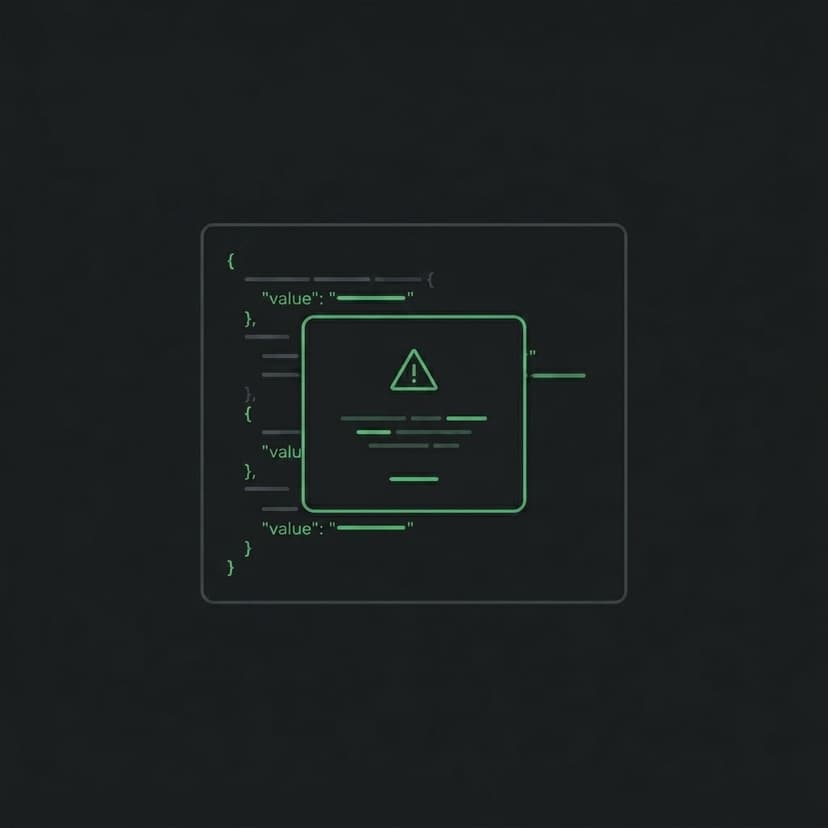
JSON Editor Polish: Inline Format Buttons, Lucide Icons, Safe Copy & Nav Drawer Fixes
A detailed look at every UX improvement shipped on May 19 — inline format actions, destructive-copy confirmation, Lucide icon system, selection click-through fix, nav drawer stacking, and page height accounting.
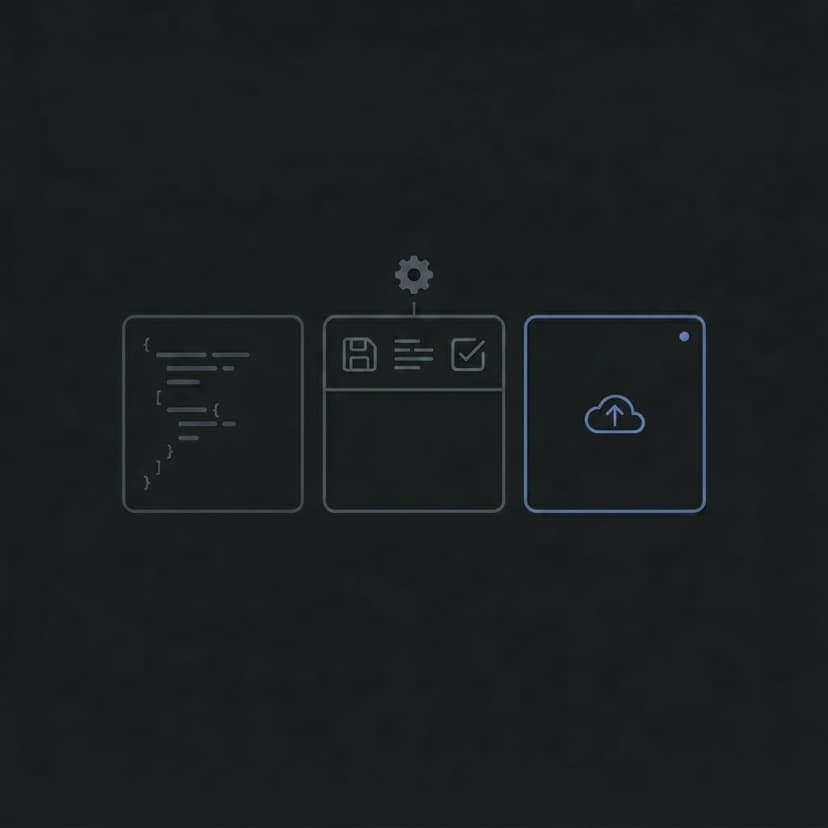
JSON Editor Updates: Smarter Toolbar, New Center Bar & Refined Colors
A full breakdown of every UI/UX improvement shipped to the BytesBit JSON Editor — from toolbar consolidation and dropdown overlays to redesigned syntax colors and the new center column.
How to Merge Code and Text Files Online (No Git Required)
Learn how to merge two versions of a file directly in your browser — with hunk merge, line-by-line cherry-picking, undo-safe operations, and full syntax highlighting.
Frequently asked questions
Common questions about BytesBit tools, privacy, and usage.
Is BytesBit really free?
BytesBit offers a generous free tier — enough for everyday developer workflows — with no signup and no credit card required. The project is sustained through minimal, non-intrusive advertising.
Is my data private? Do you store anything?
All tools except Secure Share run entirely in your browser — your data never leaves your device. Secure Share stores encrypted blobs on our server, but the decryption key exists only in the link you share (URL fragment). We operate on a zero-knowledge architecture.
Do I need to create an account?
No. BytesBit requires no account, no email, and no personal information. Just open a tool and start using it immediately.
What browsers are supported?
BytesBit works in all modern browsers including Chrome, Firefox, Safari, Edge, and Brave. It is also installable as a Progressive Web App for offline access.
Can I use BytesBit offline?
Yes. BytesBit is a Progressive Web App. Install it from your browser address bar and most tools work without an internet connection. Secure Share requires connectivity to store and retrieve encrypted messages.
What happens if I hit the free limit?
Our free limits are generous and designed for real daily use. If you need higher throughput, we offer affordable plans. But most developers never hit the ceiling during normal workflows.
Start using BytesBit
Format JSON, diff code, preview Markdown, and share credentials securely — directly in your browser.